Tinybop — App Design
Light & Color
Creative Direction, UX & UI Design, Illustration
Light & Color is a collection of six playful experiments for exploring color, light, perception, and emotion. I helped concept and shape the six experiences, then designed the interactions and visual systems that turned those ideas into open-ended play—inviting kids to learn through experimentation, observation, and discovery.
app architecture
Six ideas, six different worlds
Mix · Name · Move · Look · Sort · Feel
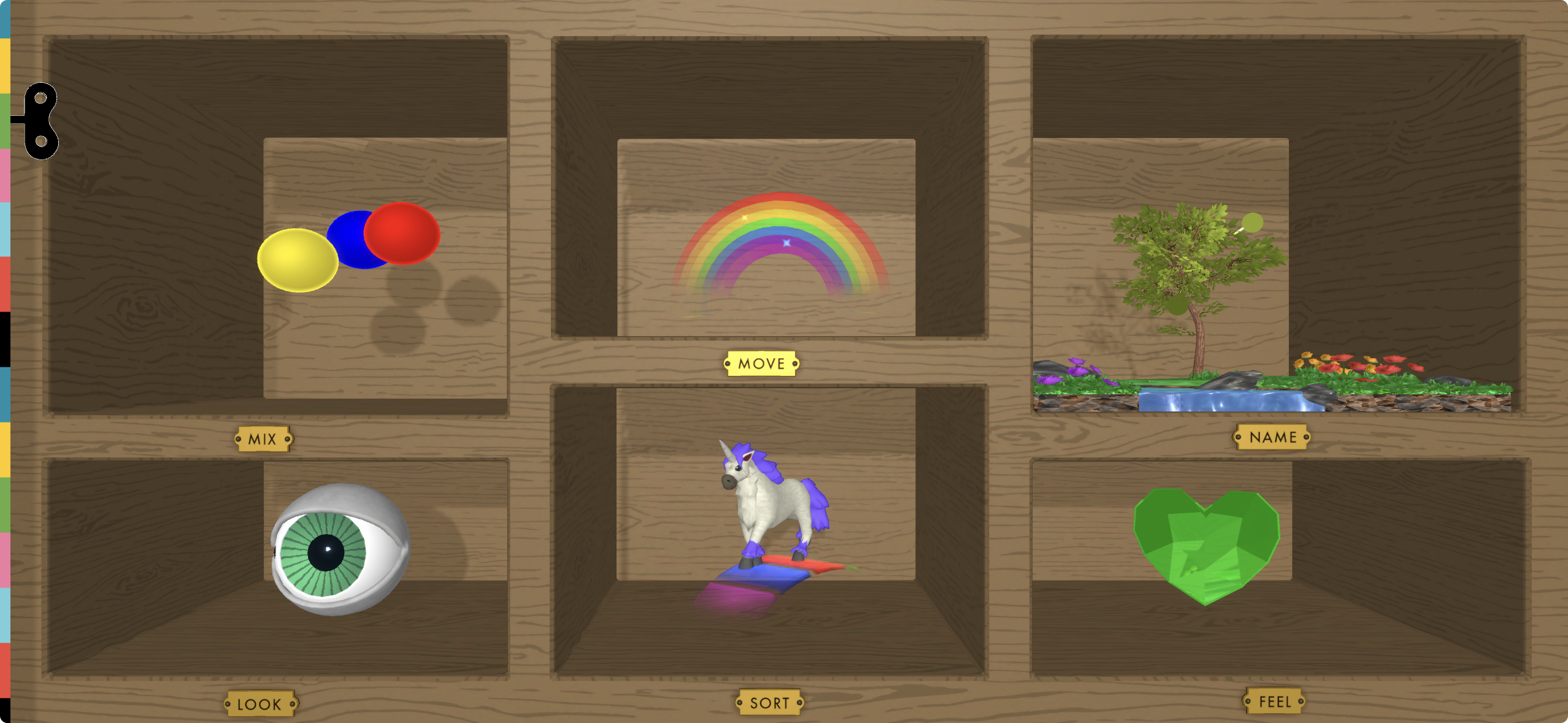
Each experience approached the subject from a different angle—from mixing pigments and bending light to collecting colors from the real world and recording how they make us feel.
Mix
Turning color theory into play
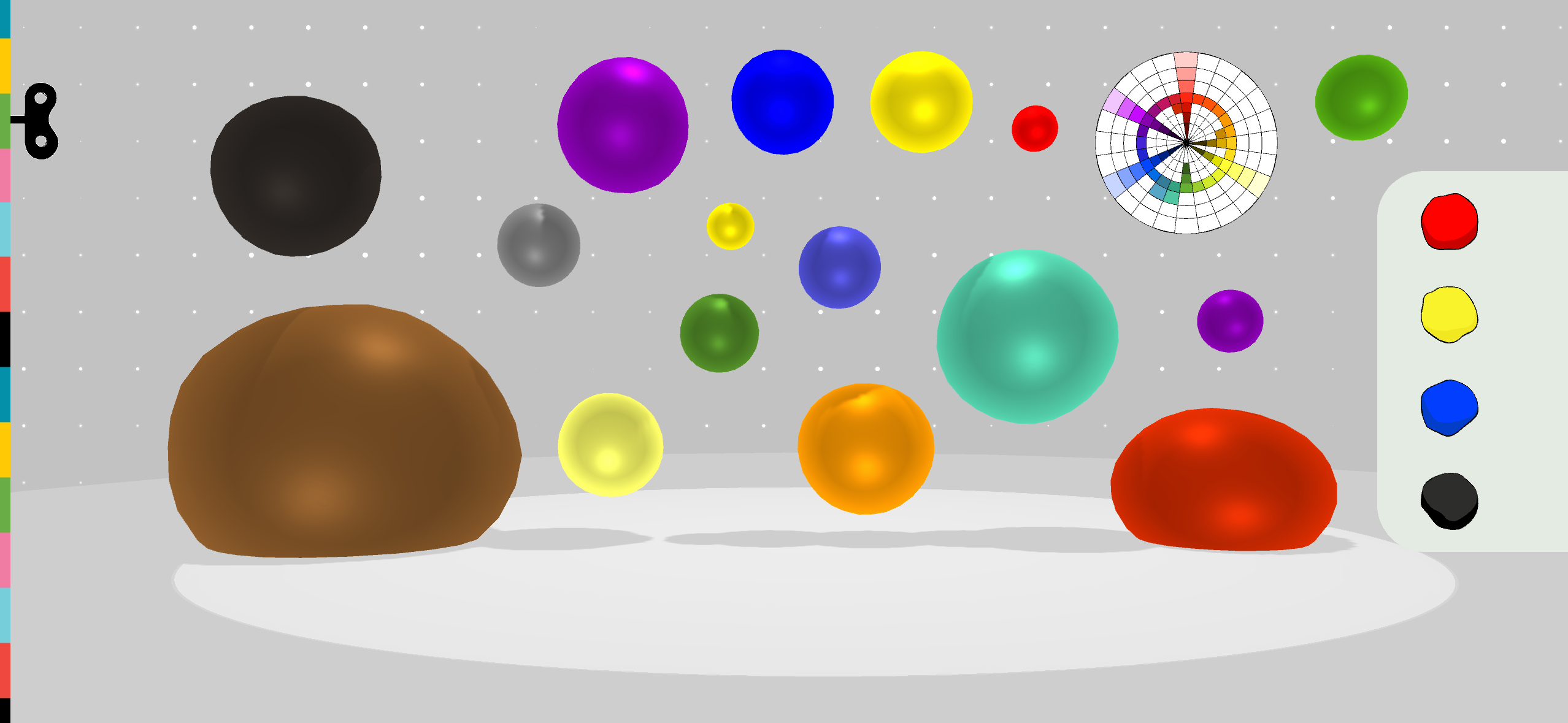
There are two complementary ways to experiment with color: mixing pigment and mixing light. Kids could mix deliberately to discover specific colors, or simply experiment and fill the spectrum through play.
PIGMENT — drag colors together, discover mixtures, expand the color wheel
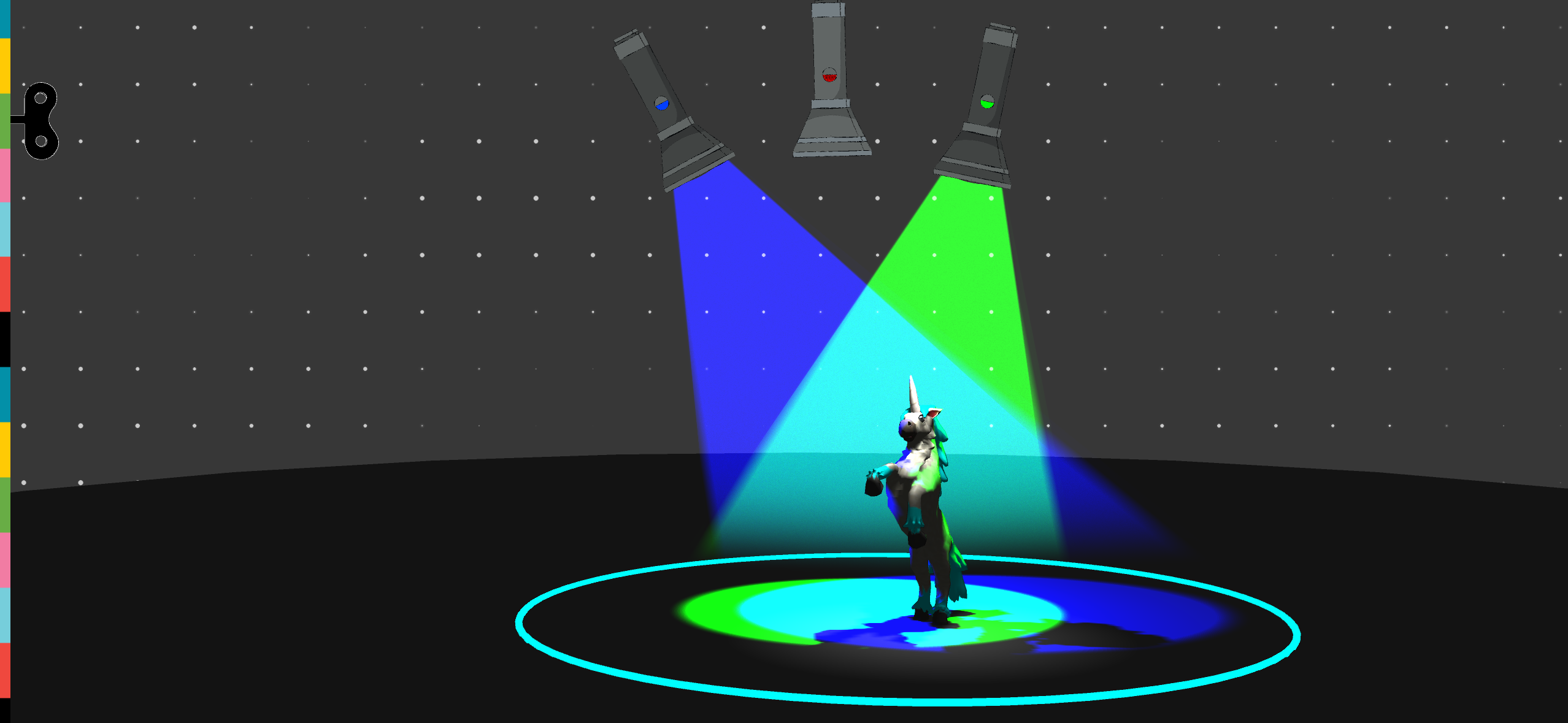
LIGHT — overlap RGB beams to match a target color
Matching color with light
A dimmer setting encouraged kids to turn on and off flashlights, rotate, and overlap red, green, and blue beams to match colors—then rewarded successful combinations with unexpected characters and animations.
Name
Finding color in the real world
We turned the device camera into a color-collecting tool: kids could sample anything around them, identify its color, switch between color names, save it, and discover relationships between colors.
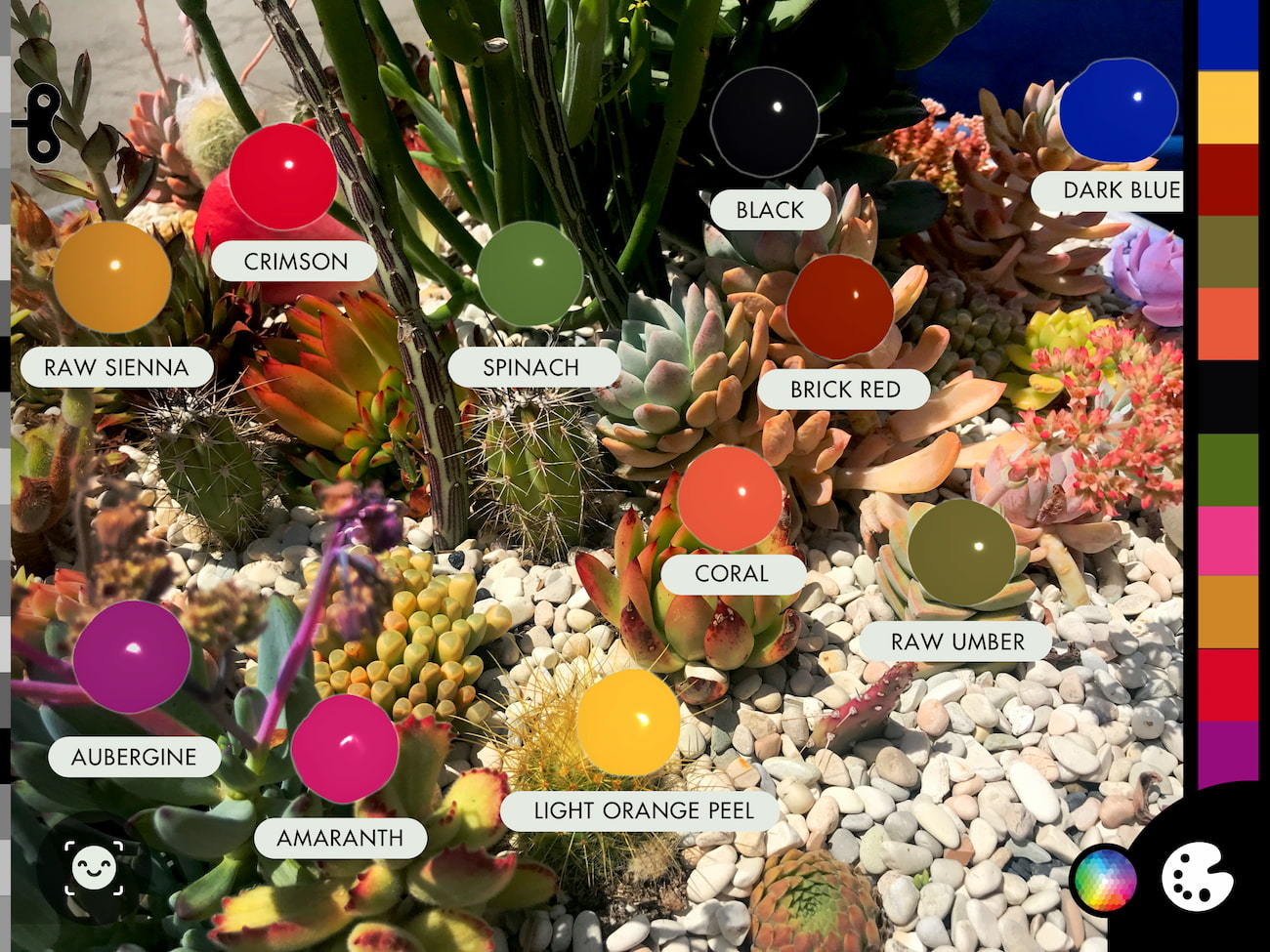
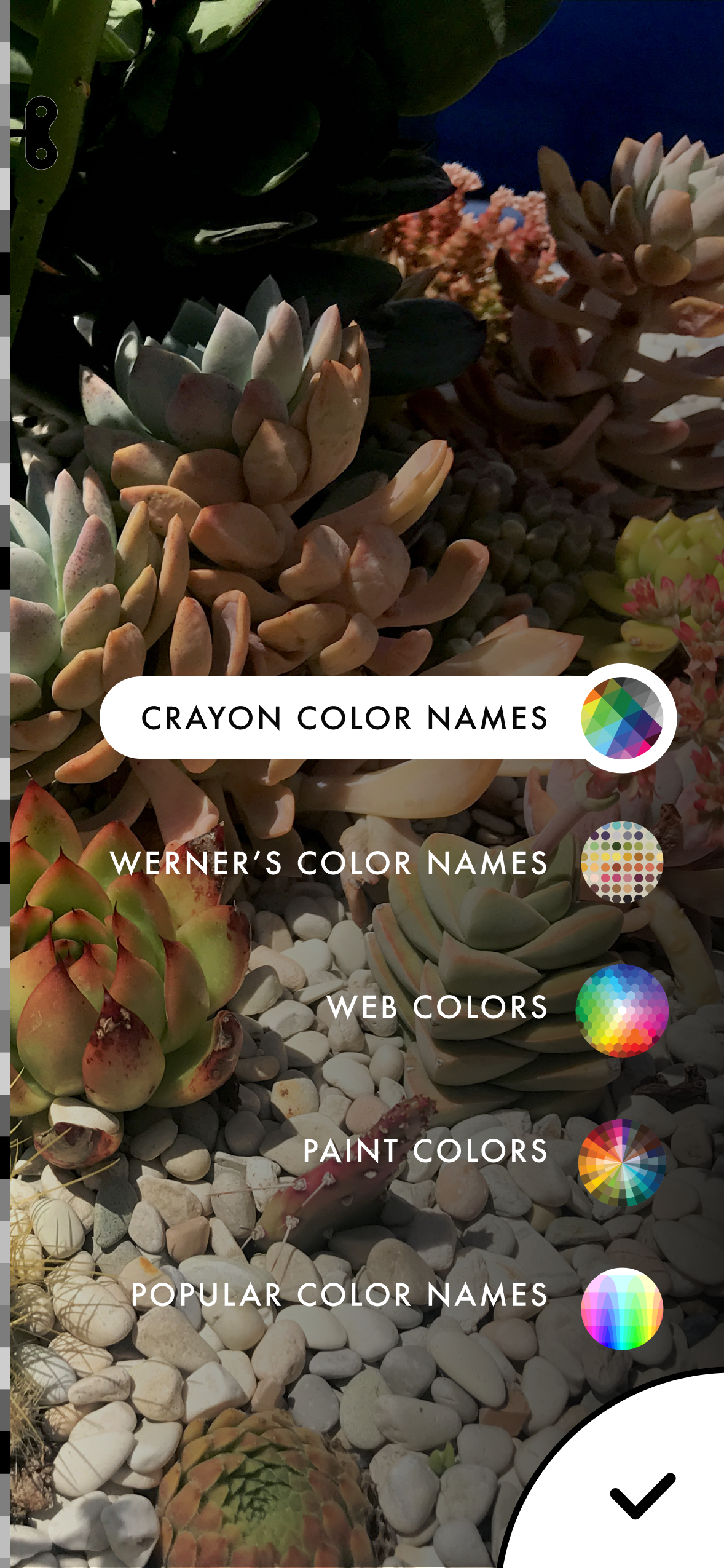
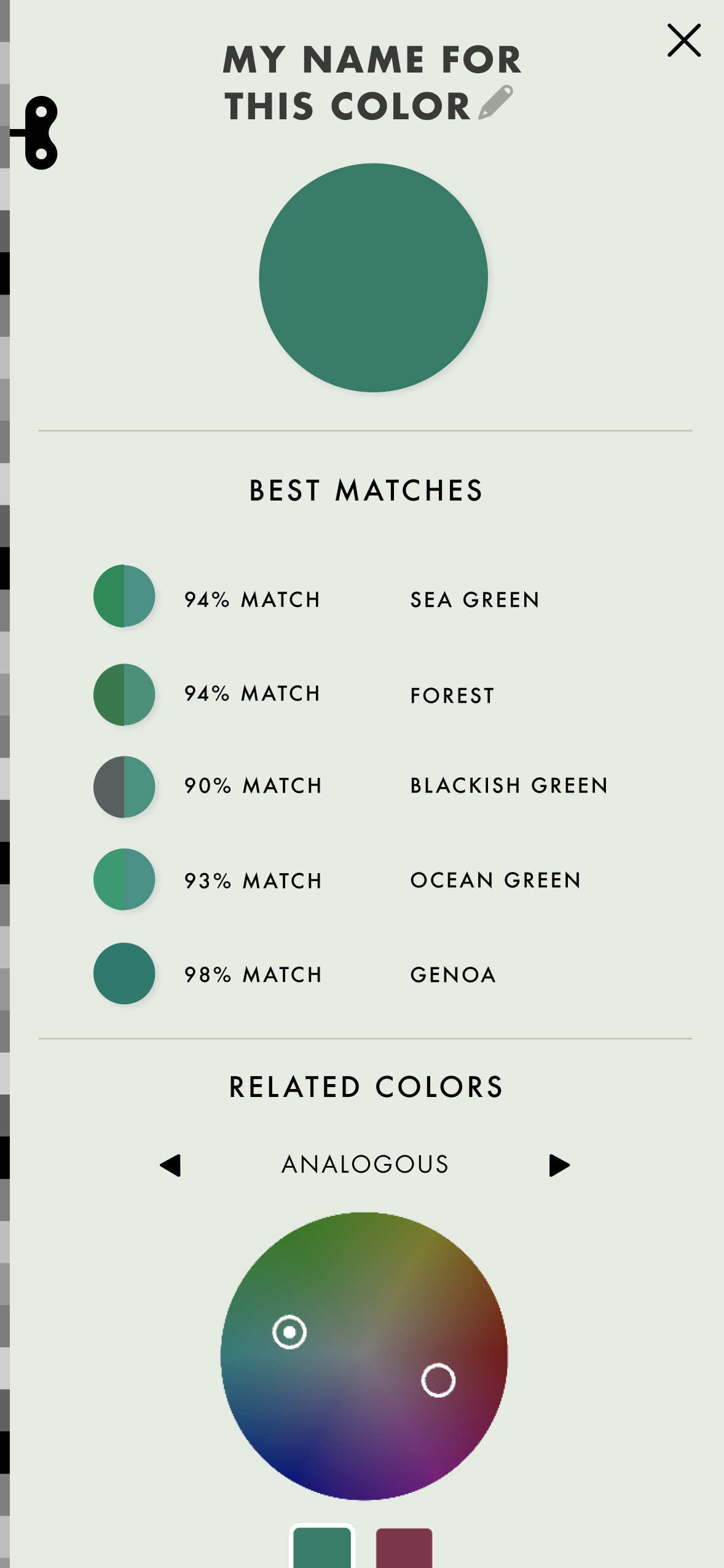
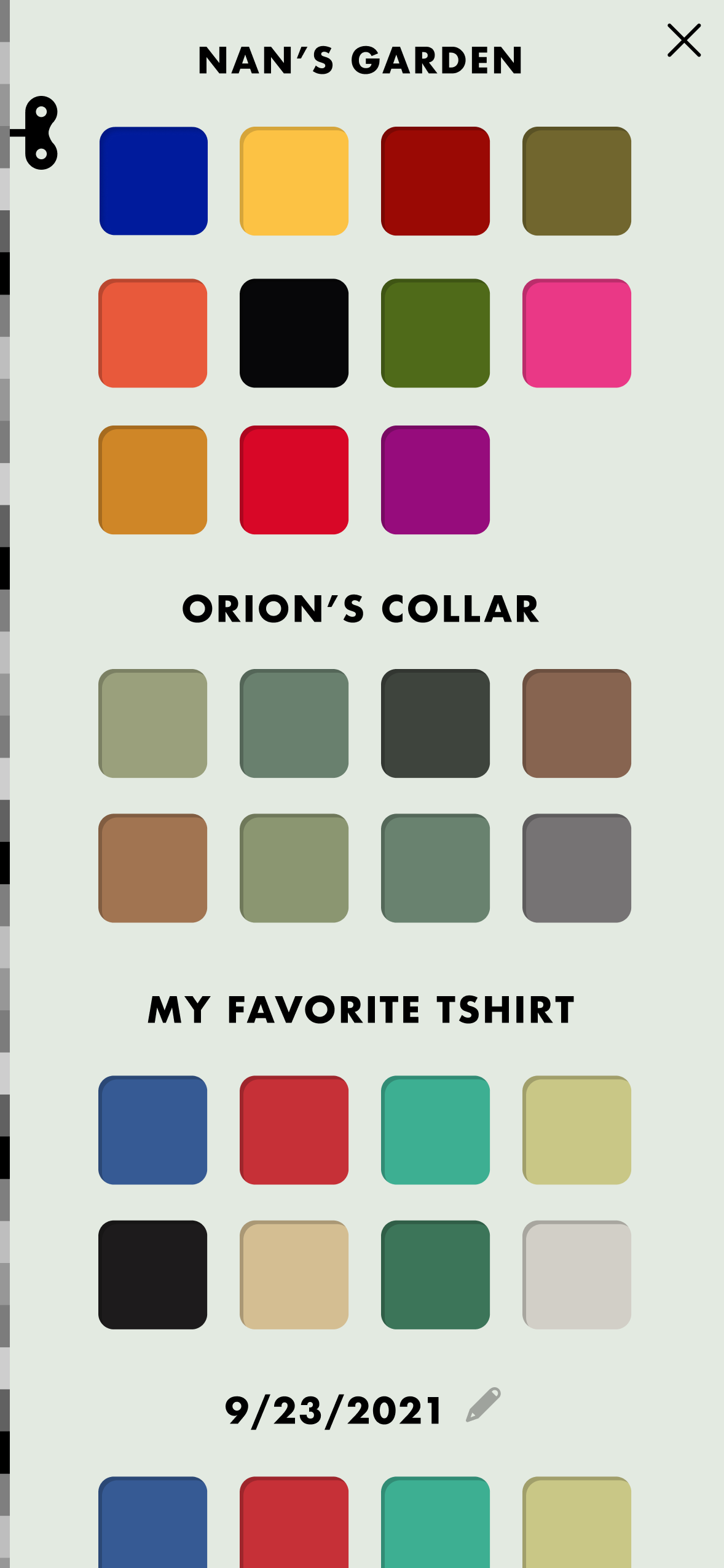
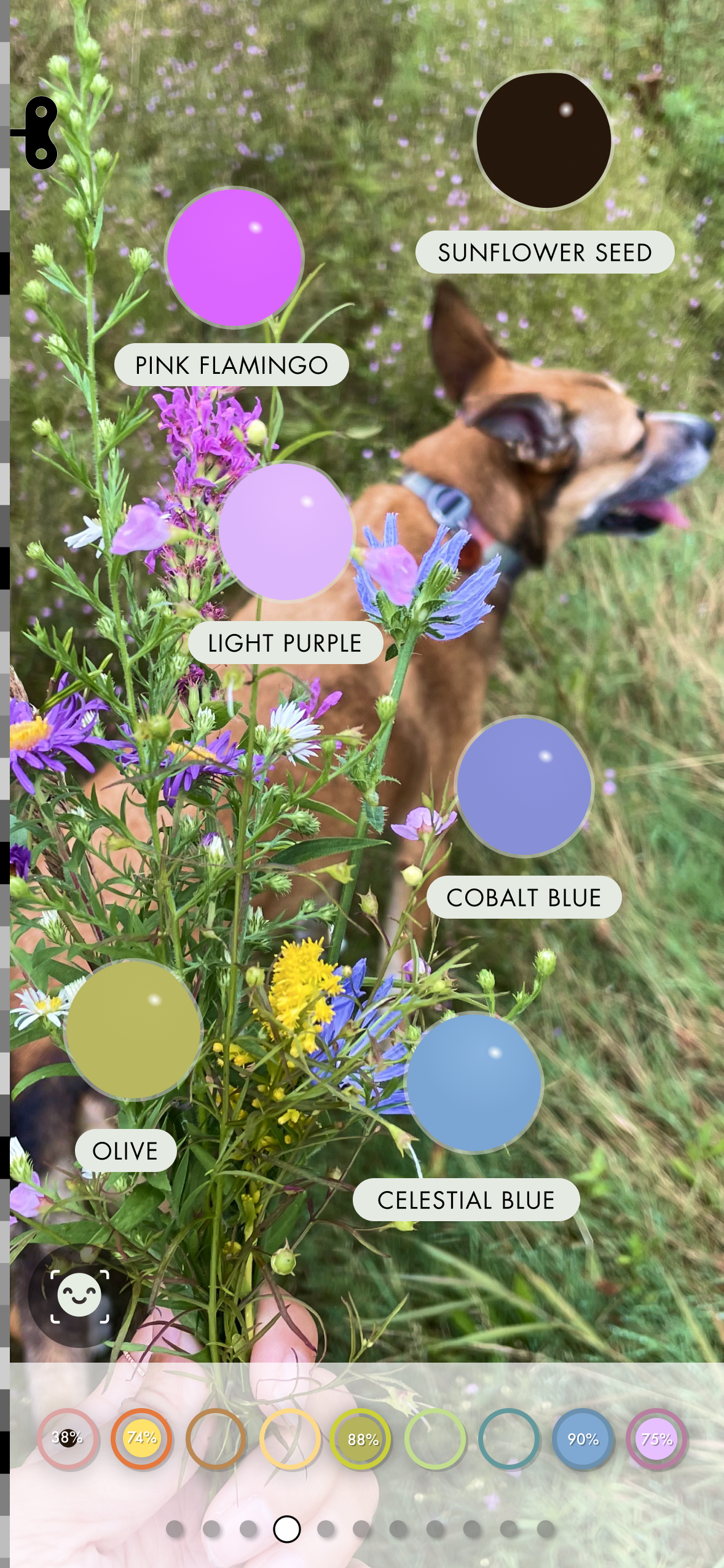
Colors could be compared across naming systems, organized into a personal collection, and connected through related hues.
Sort
Designing a game around subtle differences
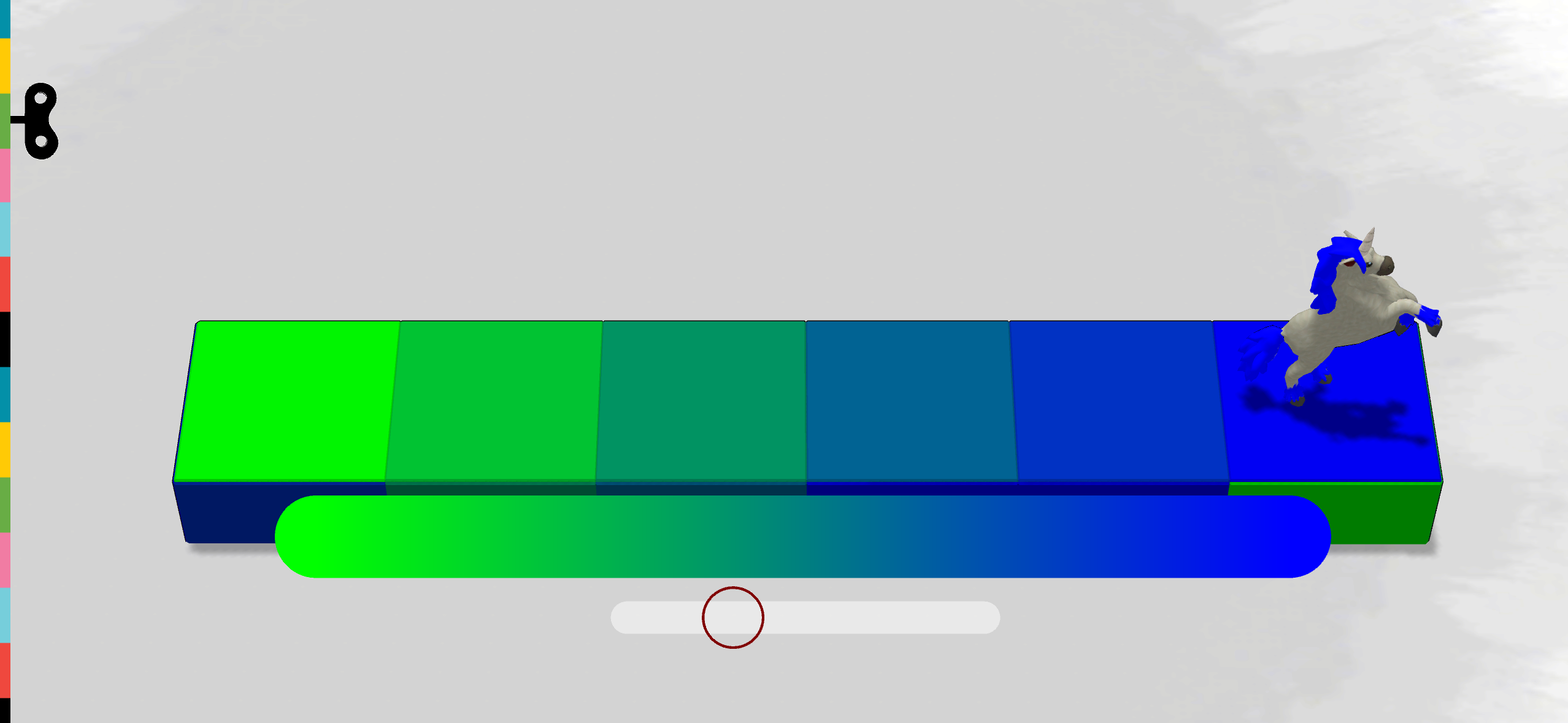
I contributed to the visual treatment and presentation of a sorting game that asked kids to arrange colors by increasingly subtle shifts in hue.
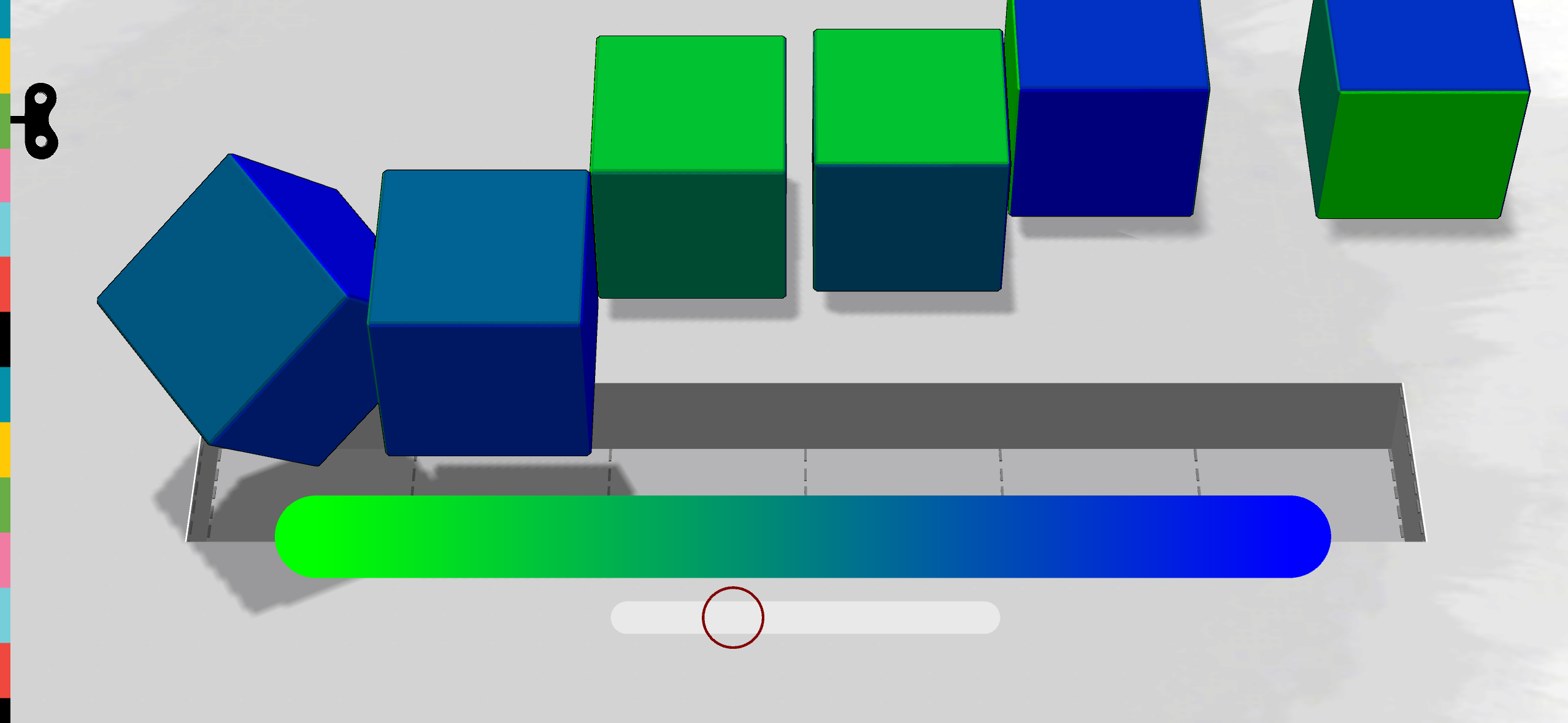
Arrange the cubes by hue → complete the spectrum
Look
Changing the way we see
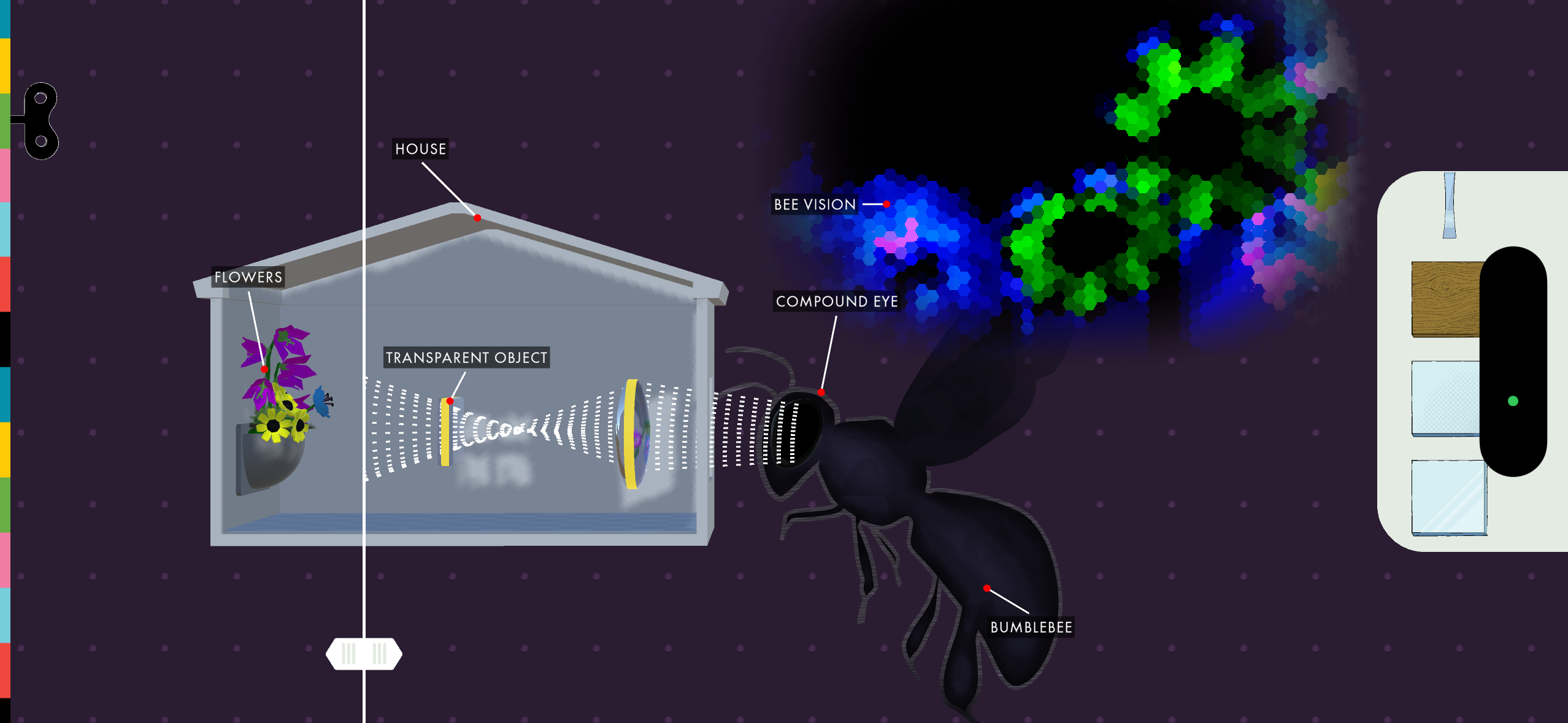
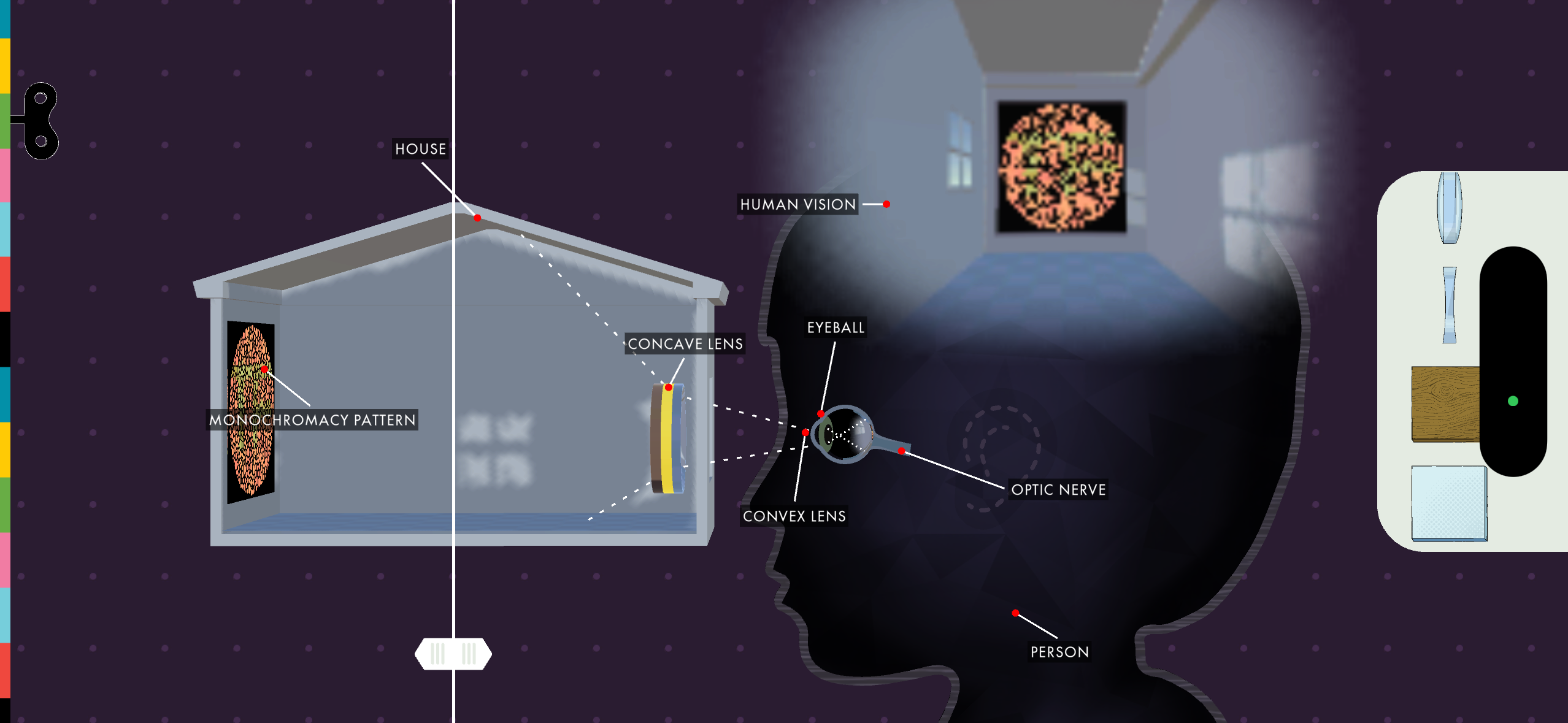
Look made perception itself something kids could manipulate.
I illustrated the lenses and materials used to explore how different surfaces and optical effects change what we perceive.
Move
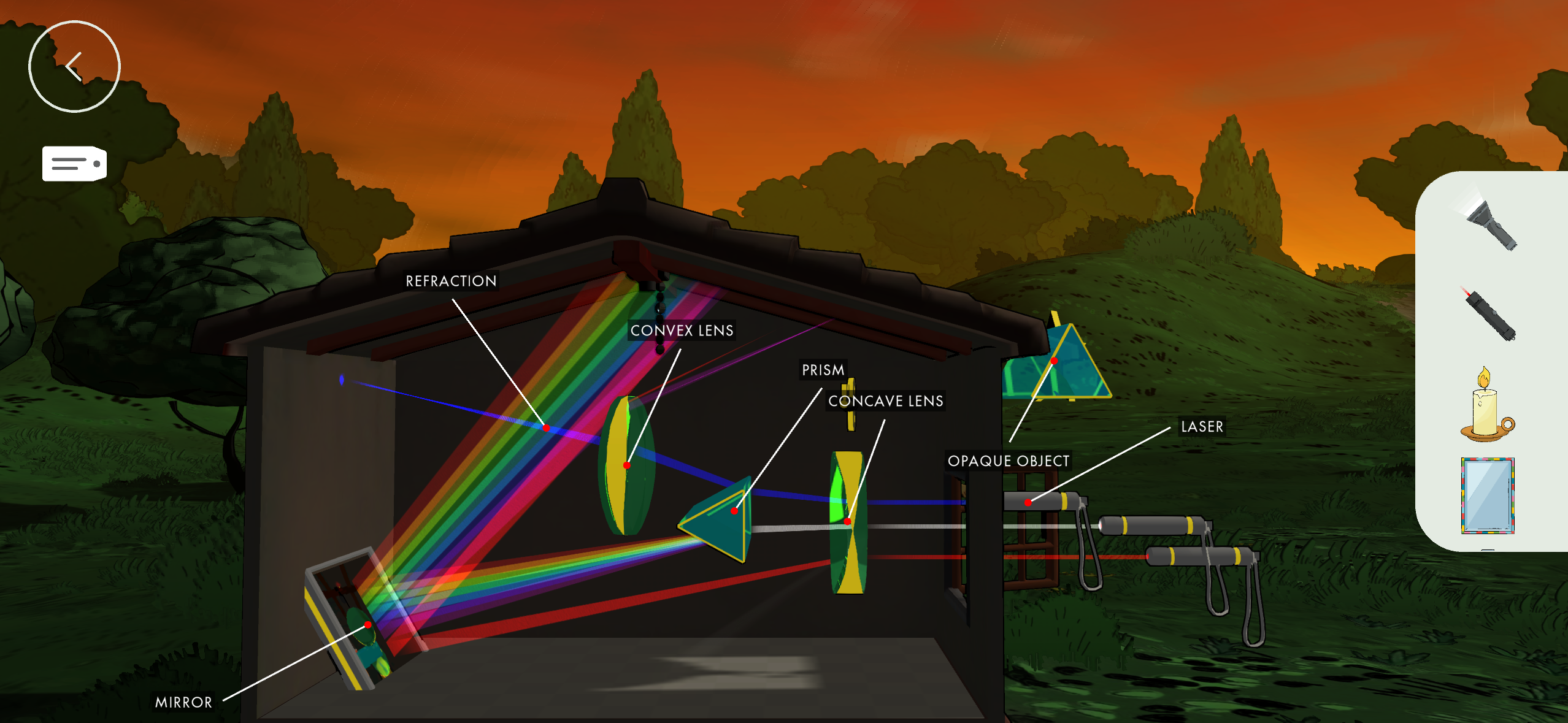
Making invisible behavior visible
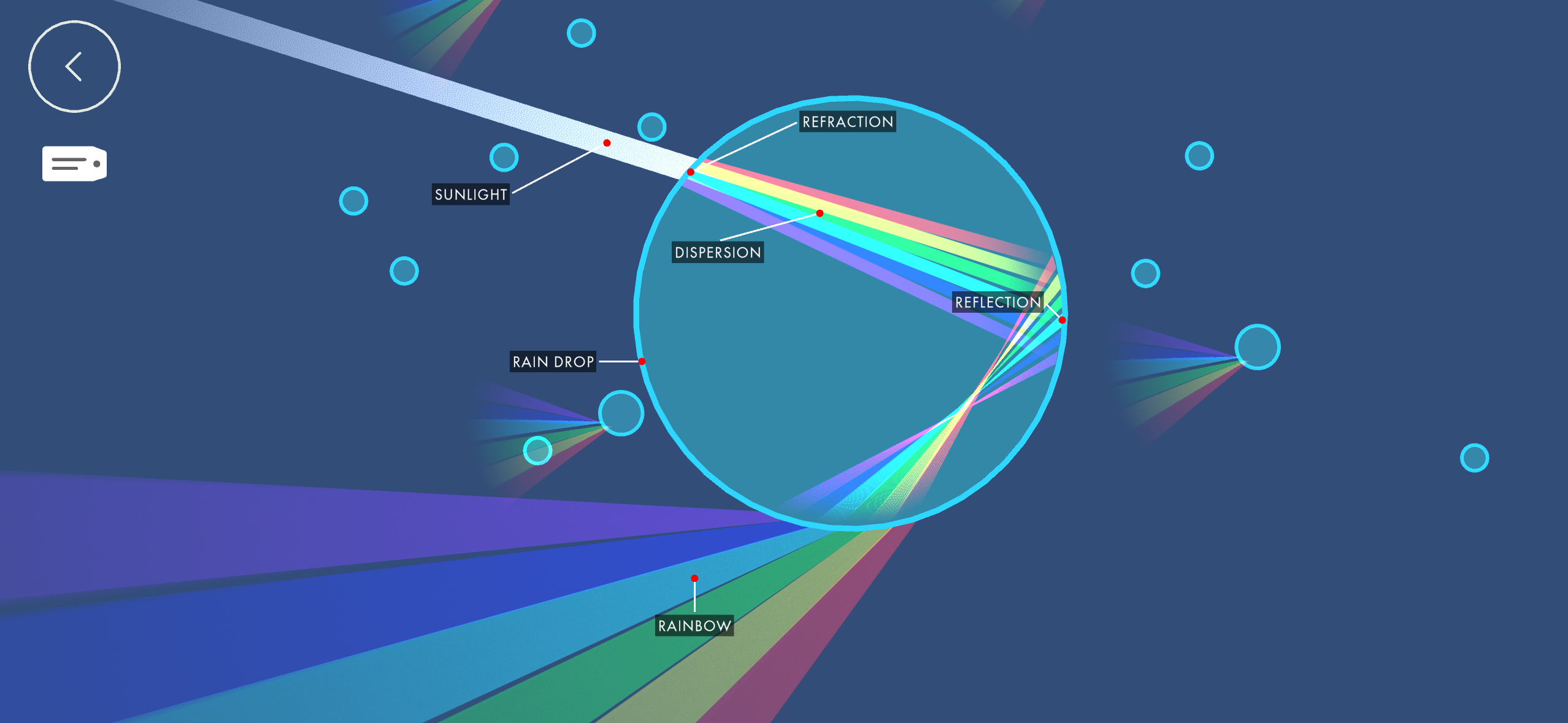
Move became a sandbox for experimenting with how light travels. I designed the interface and controls for manipulating mirrors, prisms, lenses, and other materials, working closely with animation to translate those elements between the UI and the 3D scene.
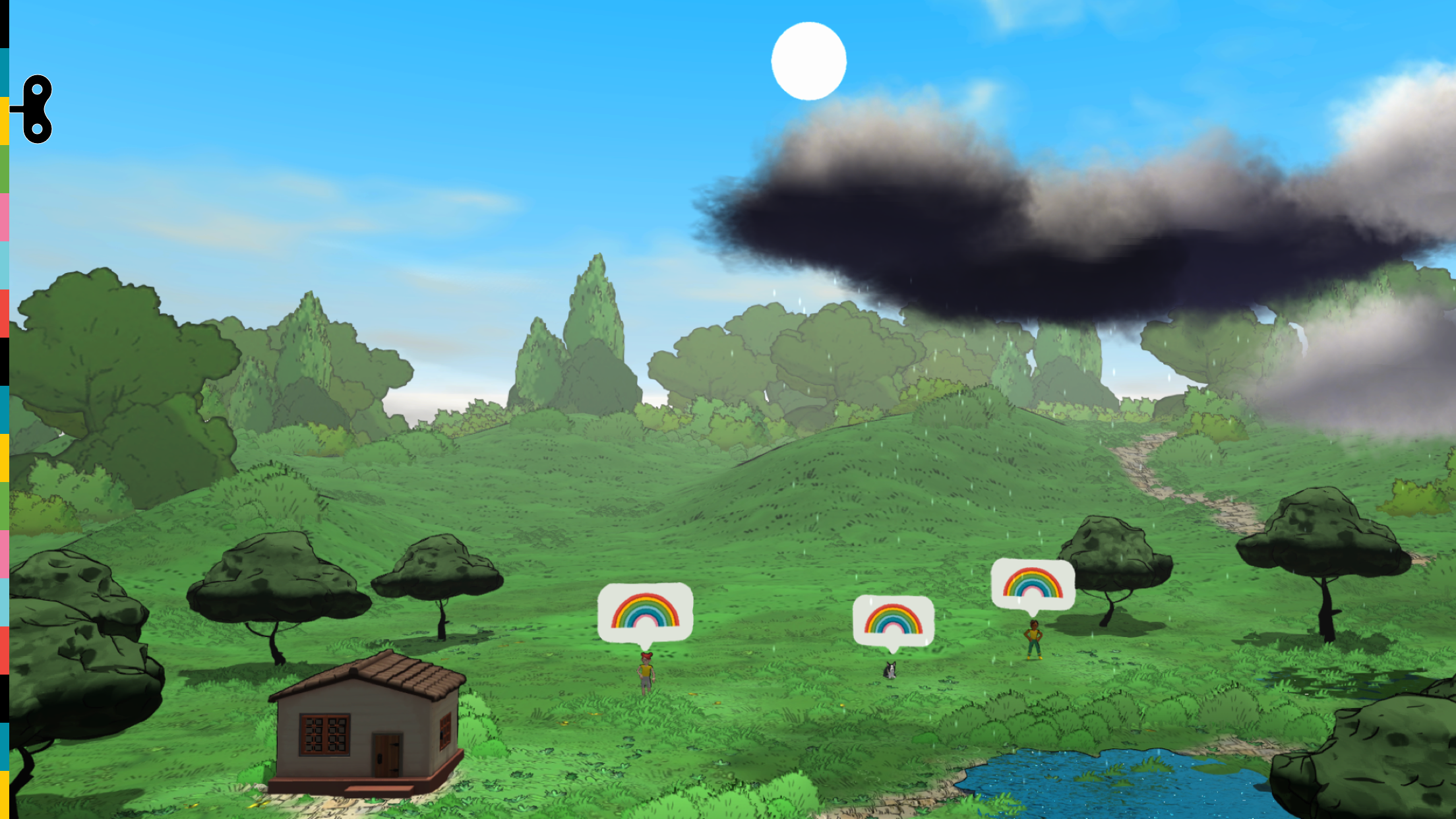
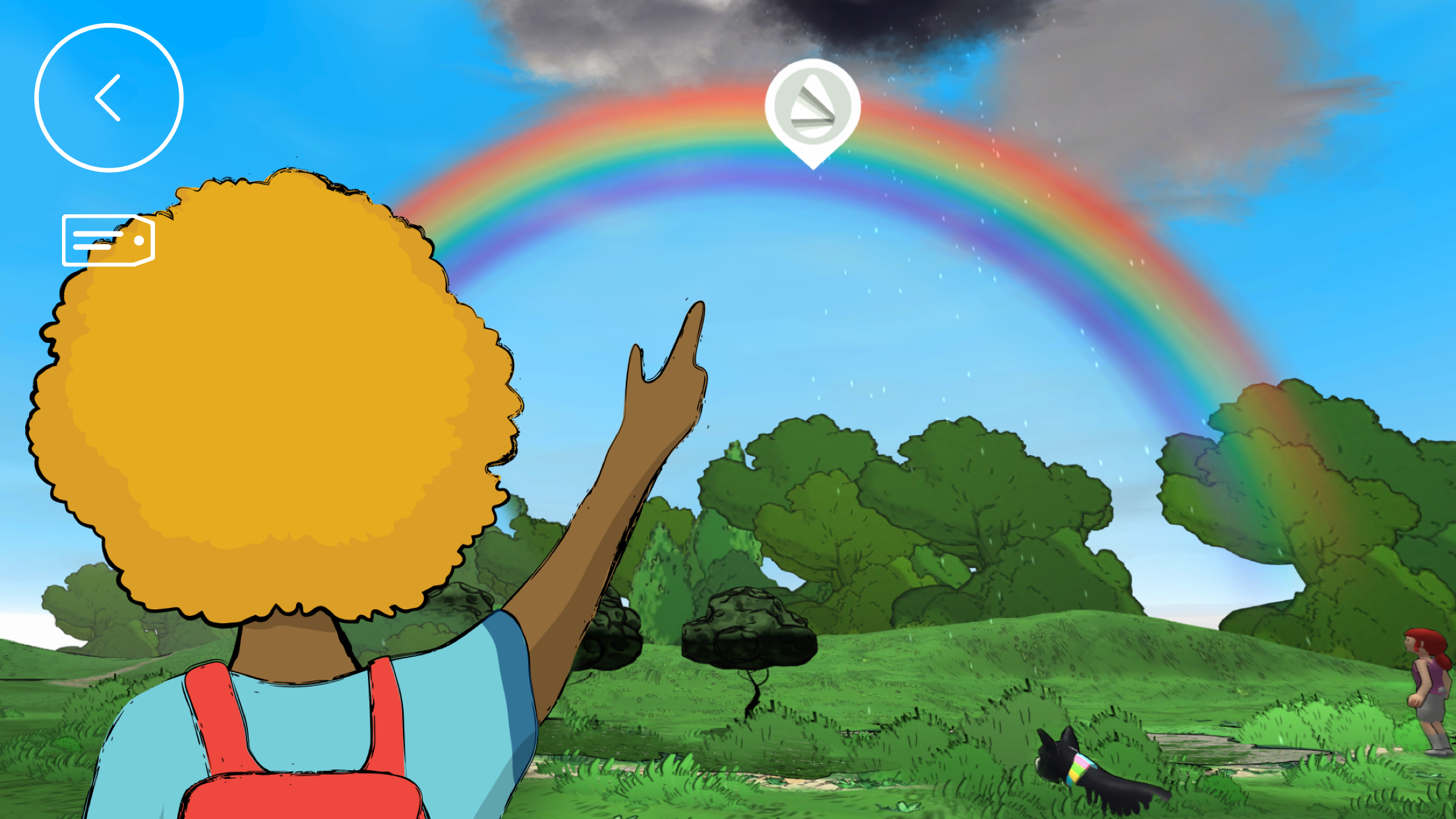
Kids could also investigate rainbows, look inside a raindrop, and shift perspective to explore how the same world can appear differently.
Feel
Making room for subjectivity
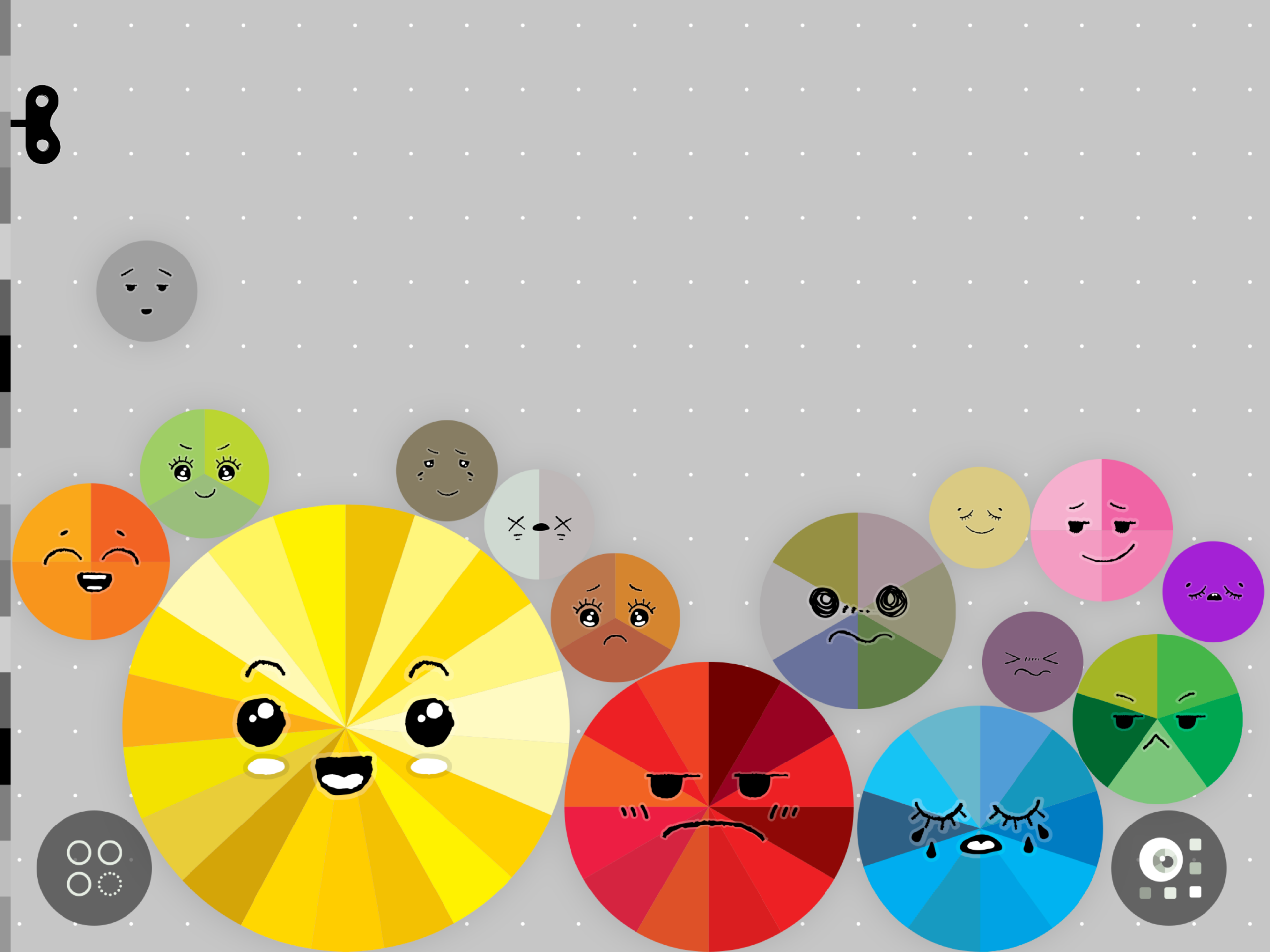
Color isn't only physical—it is personal.
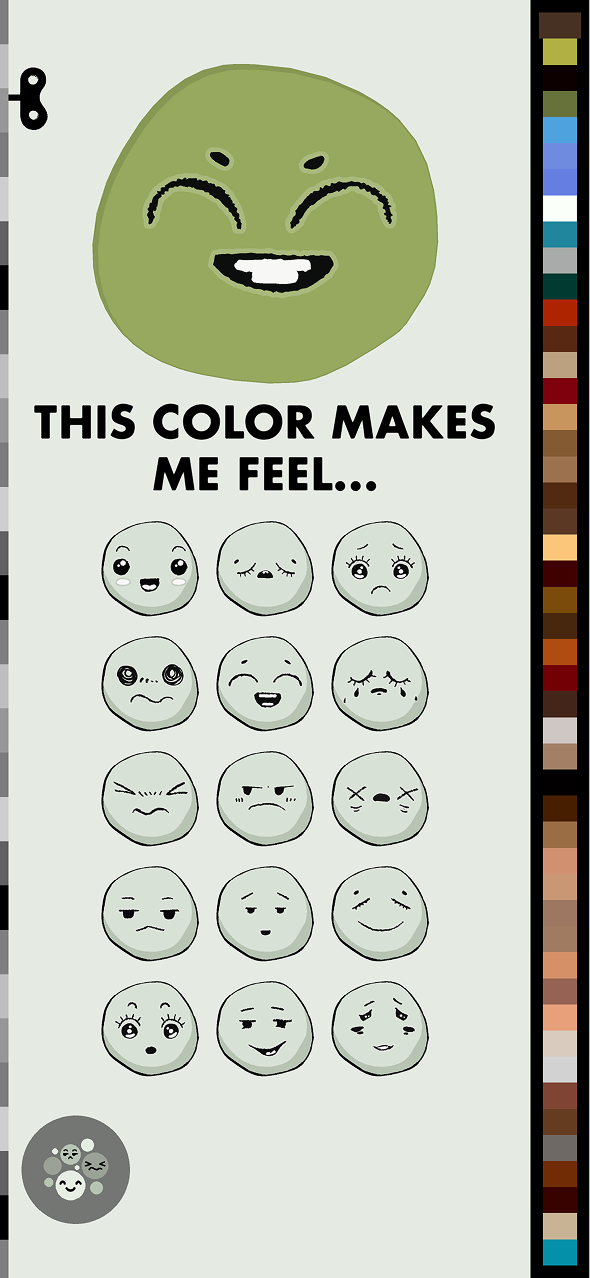
I designed a system where kids could collect a color, then log how it made them feel. Individual answers accumulated into a living visualization, revealing that the same color could mean something different to everyone.
Visual system
Supporting artifacts
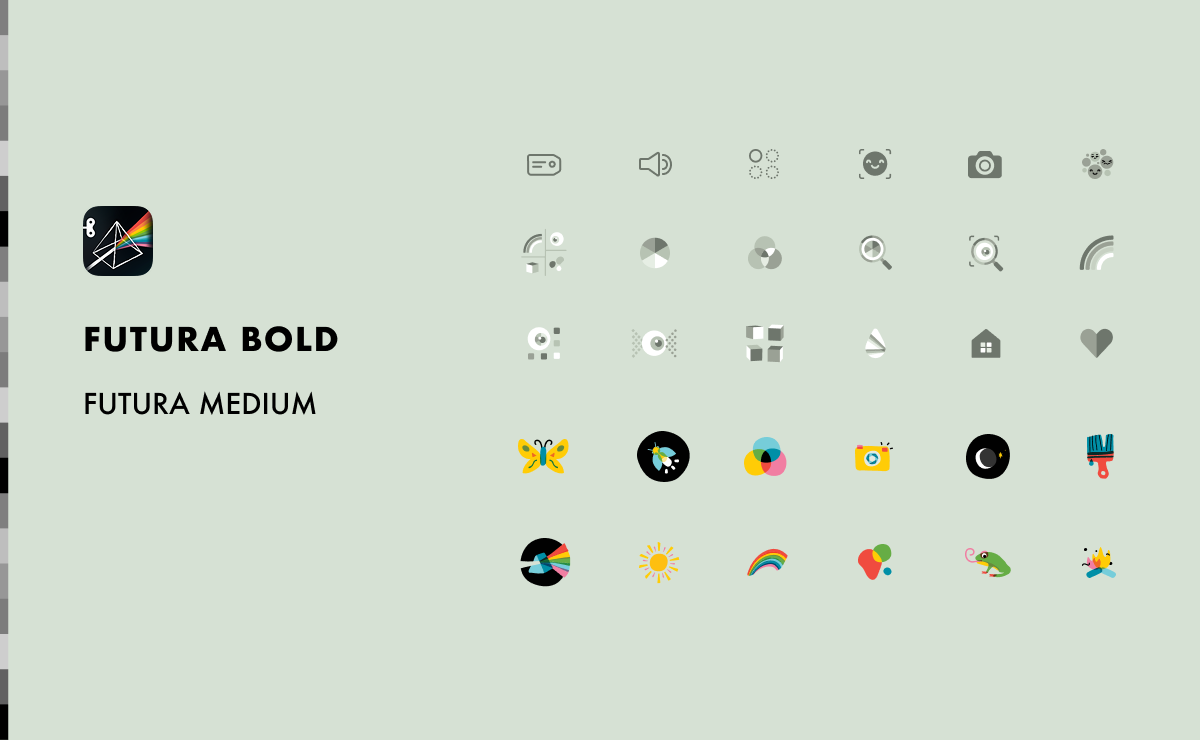
app icon • Typography • selected UI components
outcome
Six ways to see color differently
Light & Color launched on iOS as part of Tinybop’s Explorer’s Library and was localized into 40+ languages for a global audience.
timeline
2021
platforms
iOS · Apple TV · macOS · Web · Android · Wear OS
Role
Lead Designer
focus
Product Design
UX/UI
Illustration
Creative Direction
recognition
2022
Digital Ehon Award – Yoichi Sakakihara Prize
2023
American Library Association – Notable Children's Digital Media
Collaborators
Robert Blackwood, Engineering Samuel Seidenberg, Engineering
Raul Gutierrez, Product
Kendall Noble, Animation
Eden Wall, Education
Rose Paisner, Education
Beckie Choe, Motion graphics